Understand X-Ray-Style Effects Before Trying Them
Advertisements
Your phone can create an X-ray-like appearance without seeing through objects. Understand the illusion before choosing an app for a visual experiment.
Advertisements
Sensors and image processing serve different purposes. A dramatic picture does not establish that a phone has acquired thermal imaging or radiographic capability.
How X-Ray Simulations Create an Illusion
X-ray simulations alter an image's appearance rather than reveal hidden contents. Check the actual effect instead of assuming its name describes a medical imaging function.
Phone sensors can support movement and camera functions, but they do not turn an ordinary camera into an X-ray detector. Hardware affects responsiveness and the visible image.
Comparing Common Types of Effect
Compare X-ray-style apps as image-effect tools. A filter can change colors and contrast without producing a radiological examination of the subject.
A Thermal Camera simulation may display heat-like colors. Without suitable thermal hardware, those colors should not be read as measured temperatures.
Body Scanner 3D-style displays can present constructed anatomy or visual effects. They do not reveal the private or internal details of the person in front of the camera.
Choosing the Experience You Want
Choose according to the visual experience you want. An X-ray-like palette and a thermal-style palette are different effects, neither of which establishes a real scan.
Assess responsiveness and battery use on your own phone. A trial can help you judge the experience without relying on broad promises about performance.
Review ads and paid-function limits before choosing. Free installation may provide a different experience from the screenshots of a premium version.
The Physical Limits of Phone Simulations
No software effect makes an ordinary phone camera see through opaque objects. Payment or a different app name does not remove that physical limit.
The camera captures visible surfaces, and the app changes their presentation. A simulated skeleton is not an image of bones measured through a person's skin.
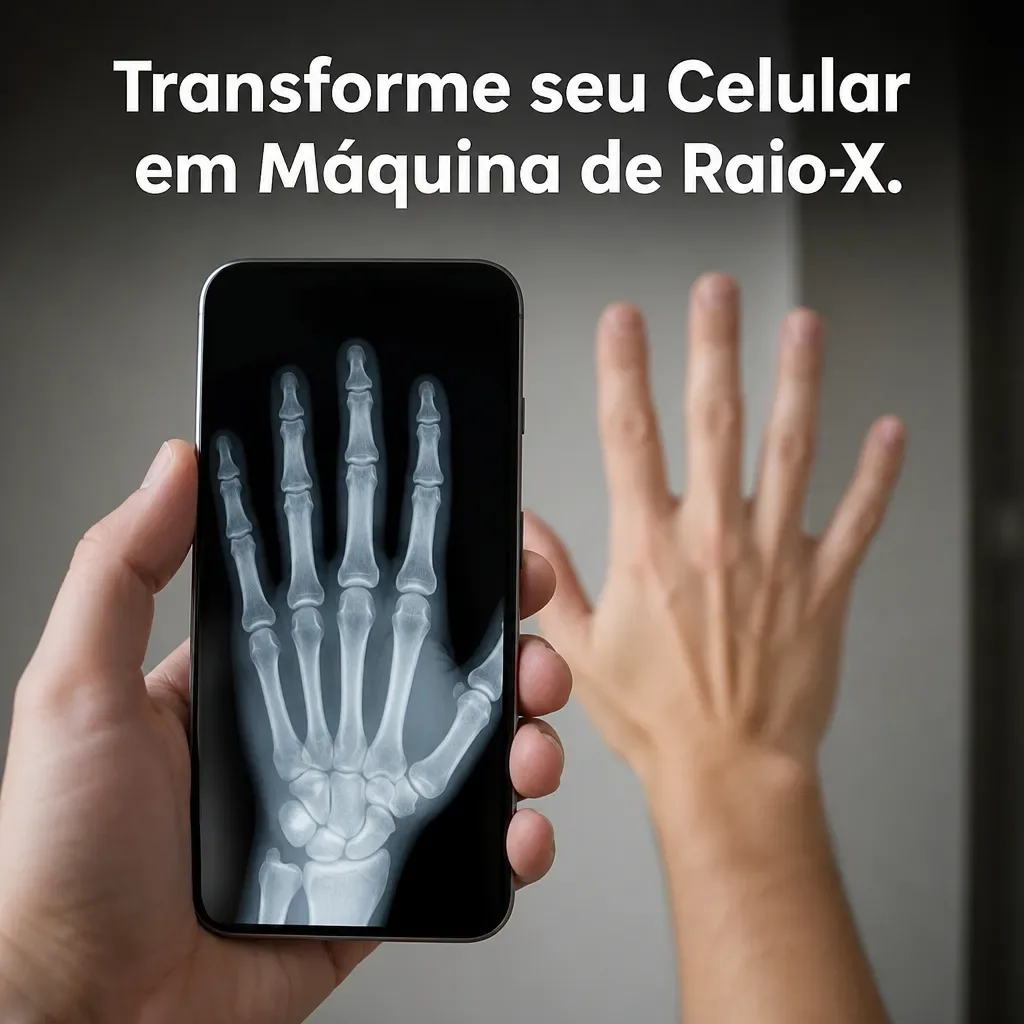
Clear light and suitable framing help the visible photograph. They can improve the appearance of an effect without establishing greater diagnostic accuracy.
Creative and Educational Uses
Use the effect openly for entertainment or a demonstration. Explain its simulated nature so someone does not mistake a surprising result for genuine information.
In a lesson, discuss how digital processing changes a picture. For social content, present the result honestly as an effect rather than a real hidden view.
Designers and photographers may use unusual palettes as creative inspiration. Compare the visual treatment with the image you started from to understand the transformation.
Protecting Photos and Personal Information
Review camera and photo permissions before using the app. Other requested access needs its own explanation tied to a function you intend to use.
Read relevant user feedback and use the intended store listing. Store presence and ratings do not settle every question about privacy or suitability.
Examine whether images leave the device and how uploaded material is handled. If the arrangement does not suit you, do not submit private photographs.
Getting a Clearer Visual Result
A clean lens can improve a camera-based experiment. Use suitable cleaning materials and inspect the visible image before applying an effect.
Try even light and supported filter adjustments. Evaluate the result visually instead of assigning the palette a power to identify hidden materials.
Check available storage before saving images or video. Back up important files before deleting anything to make room for an experiment.