Pastel Pink WhatsApp: Explore a Softer Color Scheme
Pastel pink can soften a light chat appearance. Distinguish WhatsApp colors from keyboard decoration and unsupported client modifications before choosing a tool.
Pastel Pink WhatsApp: Explore a Softer Color Scheme
Advertisements
Pastel pink can soften a light chat appearance. Distinguish WhatsApp colors from keyboard decoration and unsupported client modifications before choosing a tool.
Advertisements
For a softer appearance, combine the chat colors and wallpapers available on your phone with a readable light theme. Color+ to customize chat is a separate Android keyboard product. Its Google Play download is for Android phones and cannot be installed on an iPhone.
What a Pastel Pink WhatsApp Theme Means
Pastel pink is a restrained palette, not one standardized WhatsApp feature. You may want a pale background, coordinating keyboard, or both.
Scope depends on the tool: wallpaper does not recolor every control, and a keyboard theme changes typing appearance. Readability matters more than decorative consistency.
Appearance Controls Inside the Official App
WhatsApp documents chat themes, colors, and wallpapers. Follow the instructions for your platform to find the available controls and preview the choices in your installed app.
 Color+ to customise chat
Google Play rating:
☆ ☆ ☆ ☆ ☆
See current listing
Store age rating:
PEGI 3
Author
ThemesJoy
Platform:
Android
Price:
Free download; check in-app costs
▶Download on Google Play
Color+ to customise chat
Google Play rating:
☆ ☆ ☆ ☆ ☆
See current listing
Store age rating:
PEGI 3
Author
ThemesJoy
Platform:
Android
Price:
Free download; check in-app costs
▶Download on Google Play
Color+ to customize chat changes an Android keyboard’s appearance. If you use an iPhone, this Google Play product does not install on your device. For either platform, choose WhatsApp conversation colors within the messenger, since a keyboard theme does not recolor its tabs, buttons, or message bubbles.
For a pink conversation background, preview a suitable supported chat color or wallpaper inside WhatsApp. A theme is personal to your display and does not redesign your contact’s screen.
Pastel Pink Themes in Modified Apps
WhatsApp Plus and GBWhatsApp are unofficial clients associated with extensive interface customization. They replace the messaging application rather than adding a supported color setting. Their handling of conversations and account access requires separate scrutiny from the attractiveness of a theme.
Replacing the messenger raises account and privacy questions beyond color. A backup cannot guarantee safe migration or prevent restrictions on unsupported clients.
Modified clients may offer theme galleries or detailed color editors, but their available controls and compatibility can vary. A gallery preview does not tell you how the software handles private conversations. Consider those differences before allowing a cosmetic preference to determine which messenger manages your account.
Manual Theme Customization and Technical Limits
Official WhatsApp documents no general recoloring method using accessible JSON or XML theme files. A file manager is not a supported theme editor.
You can describe a desired pink shade using a color code such as #FFB6C1 or #FFD1DC. These examples help identify a palette when choosing an image or comparing colors. WhatsApp does not provide a general method for importing arbitrary interface color codes.
Editing application or system files can break software and expose data. A backup does not make undocumented changes supported or guarantee complete restoration.
Common Questions About a Pastel Pink Look
Are modified pastel pink clients safe? Positive reviews cannot verify their handling of messages or credentials. WhatsApp warns against unsupported clients, and account restrictions remain a practical consideration.
Will color affect performance? Supported appearance settings differ from replacing the messenger. Performance depends on the actual software and device, rather than the color pink.
Can you return to the official app? Use WhatsApp’s supported recovery guidance if needed. Do not assume every unofficial client’s data can be restored or that a previous backup contains everything.
Does the platform matter? Yes. Android and iPhone support different products and settings. Color+ to customize chat is an Android keyboard theme available through Google Play. On iPhone, use the chat appearance controls supported by your installed WhatsApp version.
Can a theme product work independently? A keyboard or home screen theme is a separate customization layer. Its appearance does not establish access to WhatsApp’s menus, bubbles, or internal colors.
How long should it take? A supported wallpaper choice can be quick. No universal duration applies, especially for undocumented client changes or file editing.
Good Habits When Choosing a Pastel Theme
Maintain appropriate chat backups for normal recovery needs. They do not validate untrusted software and are not required for every supported color adjustment.
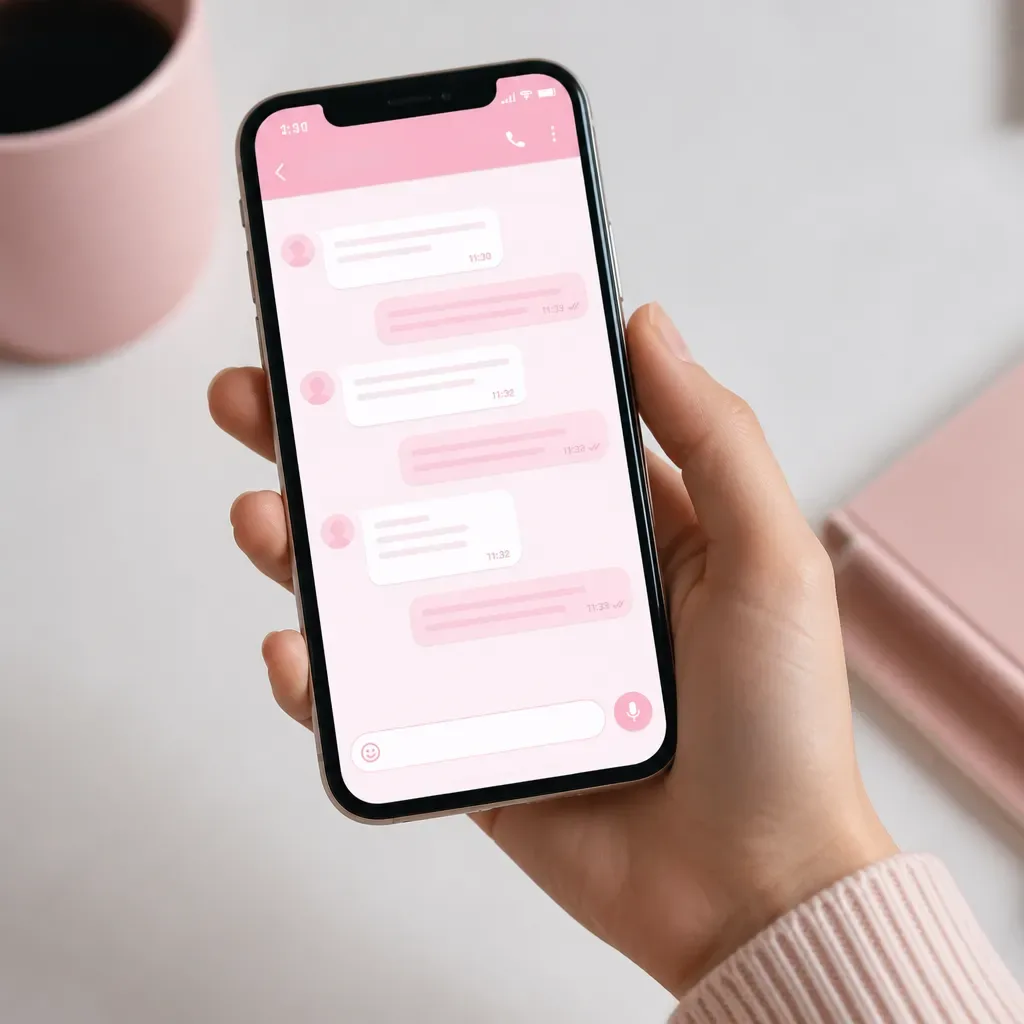
Preview the pink shade with actual messages in different lighting. Check that text, timestamps, links, and attachments remain clear; pale decorative elements should not disappear into the background.
If a newly added keyboard or customization tool behaves unexpectedly, review its permissions and whether you need it. Battery drain or overheating should not be dismissed as a normal theme effect.
Use documented protections such as two-step verification where appropriate. They help protect account access but cannot validate an unofficial client’s code.
Update the official messenger through its supported app store. After an update, check that your chosen background and text remain readable. Unofficial theme packages have their own compatibility problems, and waiting for one is not a reason to postpone supported messaging updates.
Other Ways to Create a Pastel Pink Appearance
A pink wallpaper in selected chats can create a consistent visual style without recoloring the whole application. Choose a quiet image so conversation text remains the main focus.
A matching home screen icon or wallpaper can complement pink conversations where your phone supports those choices. The result is a coordinated home screen and a familiar shortcut into WhatsApp. The home screen design remains separate from the messenger’s internal appearance.
Pair a light appearance with comfortable brightness and a readable text size. Smaller fonts are not automatically more elegant or accessible; use a size you can follow easily.
Device color filters may alter many apps together, but their purpose and behavior differ by platform. They are not a WhatsApp-specific pink theme and may change how photos appear.
Security and Terms to Consider
An unsupported messaging client can lead to account restrictions and limited help when something goes wrong. A pastel theme does not change that status. Consider the application managing your conversations as carefully as the colors you want to see.
A theme name or attractive preview does not reveal what downloaded code does. Popularity alone cannot rule out malicious behavior or establish safe treatment of personal information.
A messaging application handles readable content on your device even when communications use encryption. An unofficial client may therefore expose conversations at that point. Assess the software handling the messages, rather than relying only on a statement that messages are encrypted.
Recovery and support depend on the actual account and available backups. Avoid absolute promises that all history will return, or that recovery is impossible in every account restriction scenario.
Follow workplace software policies on work devices. Preferences do not override rules for keyboards, messaging clients, or business conversations.
Where WhatsApp Color Customization May Develop
WhatsApp chat themes already give you ways to personalize conversations. Explore the colors and backgrounds available in your installed app and choose a combination you can read comfortably. A supported theme can provide a personal style without changing the client handling your messages.
Official chat colors and wallpapers offer supported choices. This does not imply control over every system color or a preset for every pastel shade.
Theme communities may share ideas and previews, but community activity is not an independent security review. Treat recommendations for replacement clients separately from inspiration for colors.
Future controls may expand, but their scope and timing are uncertain. Choose from features your installed official app actually documents rather than depending on a promised update.
A pastel pink look is a personal preference. Choose readable messages and a palette you enjoy, while understanding what each selected tool changes.