Changing WhatsApp Colors: Themes, Tools, and Their Limits
A different color palette can make a familiar conversation feel more personal. WhatsApp themes, keyboard themes, and modified messaging clients are often grouped together, although they change different things. Understanding those differences helps you choose an appearance that suits your phone and
Changing WhatsApp Colors: Themes, Tools, and Their Limits
Advertisements
A different color palette can make a familiar conversation feel more personal. WhatsApp themes, keyboard themes, and modified messaging clients are often grouped together, although they change different things. Understanding those differences helps you choose an appearance that suits your phone and the way you read messages.
Advertisements
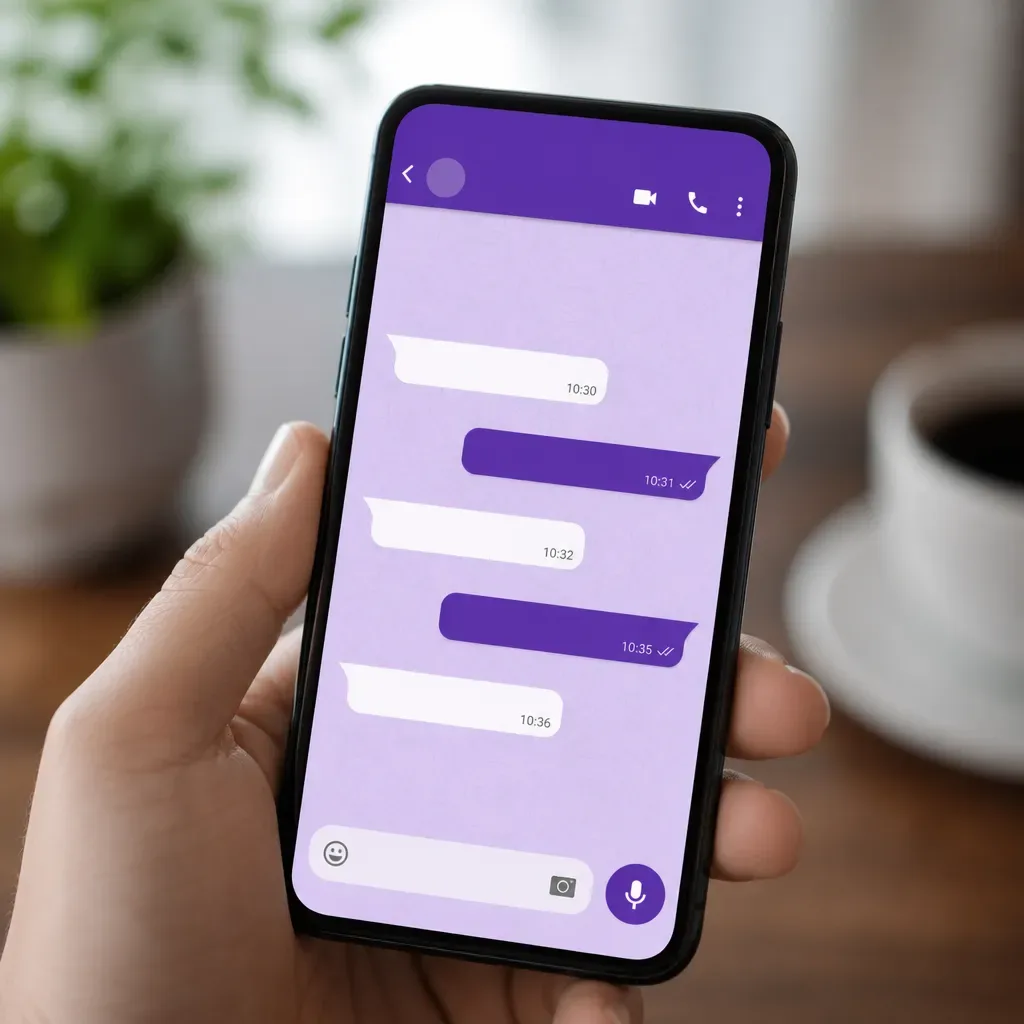
Choose a light pink or dark appearance according to your preferences and phone. Chat colors, wallpapers, and keyboard themes can contribute different parts of the result. Color+ to customize chat is an Android keyboard product; it does not install on iPhone or recolor every part of WhatsApp.
Reasons to Change WhatsApp’s Appearance
You might prefer a quieter background, a darker conversation, or a color you enjoy throughout the day. Start with what you find comfortable, then examine the text against it. A pastel palette or dark theme works best when the messages, timestamps, links, and controls remain easy for you to read.
Distinct chat backgrounds can provide useful visual cues when switching between conversations. They do not replace checking the recipient’s name before sending a message, particularly with work accounts or sensitive material. A theme supports visual organization; it cannot guarantee fewer communication mistakes or higher productivity.
Applications and Tools You May Encounter
GBWhatsApp is an unofficial client associated with extra themes and interface controls. It replaces the messenger rather than applying a supported theme to the official application. That changes which software handles your conversations, so its treatment of messages and account access matters as much as its visual options.
WhatsApp Plus is another unofficial client associated with extensive color customization. It is not an official WhatsApp product, and using it can lead to account restrictions or limited support. Evaluate those implications separately from the choice of background color, text style, or decorative icons.
Fouad WhatsApp is also associated with deeper interface customization. Its controls and compatibility can vary between versions. As with other unofficial clients, a different appearance means using different messaging software. A separate keyboard theme has a narrower role, while the official messenger provides its own supported chat controls.
How Different People Use Visual Customization
Someone handling client conversations may choose different supported chat themes as a secondary reminder of context. A restrained color for one account and a brighter background for another can be helpful. Still read the conversation name and message contents before replying; color alone is not a reliable identity check.
People reading messages late at night may prefer a dark appearance and lower screen brightness. Others find a lighter background clearer. Test the combination in the lighting you actually use, and choose readable text and comfortable contrast rather than assuming that a dark theme prevents fatigue.
Families and educators may enjoy selecting a wallpaper together for a shared conversation. A colorful background can reflect the group’s interests, although it does not prove that younger participants will respond faster or become more responsible. Theme choices are a visual preference, and each person’s display remains their own.
Designers and other creative workers may enjoy coordinating the colors of their daily tools. A familiar palette can make the workspace feel more personal without changing how messages are delivered. Choose restrained decorative images so dates, attachments, and longer messages are easy to locate during a busy day.
The Technical Scope of a Theme Change
WhatsApp chat themes adjust supported conversation elements. Color+ to customize chat changes an Android keyboard’s appearance, which is visible while typing. A modified messenger replaces the application managing messages. Choose the part you want to personalize, then check that the selected product actually controls that part.
Check your operating system and the product’s compatibility before installing a customization app. Color+ to customize chat is an Android keyboard product available through Google Play. It is not an iPhone theme or a control panel for WhatsApp’s internal colors, menus, and message bubbles.
Practical Ways to Judge the Result
Start with a preset where your chosen supported tool provides one. Preview it in a real conversation rather than judging a promotional image alone. Examine both short and long messages, and make sure the design still works when the keyboard opens or an attachment appears.
Contrast matters more than a fashionable color combination. Pale text on a pale background can be hard to follow, while a busy photo may compete with the message. Compare the result in daylight and dimmer surroundings, keeping the text size appropriate to your needs.
When changing phones, check the transfer instructions for the messaging app and any keyboard you use. Theme settings may need to be selected again after installation. Noting your favorite colors and backgrounds makes them easier to recreate without assuming that every visual preference is part of a chat backup.
Update the messaging app and any keyboard through their official app stores. If appearance controls change, explore the available settings again and preview the result with real messages. Software updates can address problems, while an unofficial client still remains separate from the supported WhatsApp application.
Safety Considerations Before Choosing a Tool
Review who publishes the product, what it actually changes, and which permissions it requests. Download totals and positive ratings are clues about adoption, not proof of secure code. A keyboard deserves particular care because it participates in text entry; a new appearance should not require sharing a WhatsApp verification code.
WhatsApp warns against unsupported clients, and account restrictions are a real consideration when comparing modifications. They should not be dismissed as merely a theoretical consequence of aggressive detection. A backup or strong account setting cannot establish that an unofficial messenger handles messages safely.
Choose colors you enjoy and tools whose purpose you understand. Use WhatsApp’s chat controls for conversations, and assess a keyboard theme as a separate typing choice. Whether you prefer soft pink or a darker palette, check readability and compatibility before deciding which combination suits daily use.